 learn
learnArchiving and Restoring Drawings and Files
Quick path
- Send to Archive
- Archive
- Archive this page?
- Archive
Archiving hides a file or drawing page without deleting it, and it can always be undone.
Archive a drawing page (takeoff)
Drawings uploaded to Plans are archived page by page in takeoff.
- In takeoff, select the page or pages.
- Click Archive (also on each page's action menu).
- Confirm. The dialog is titled "Archive this page?" or "Archive N pages?" and says "This page will be moved to Archive." / "These pages will be moved to Archive."
If measurements on those pages feed the estimate, the dialog warns they will stop contributing to it on the next sync.
To bring pages back, show archived pages and click Recover.
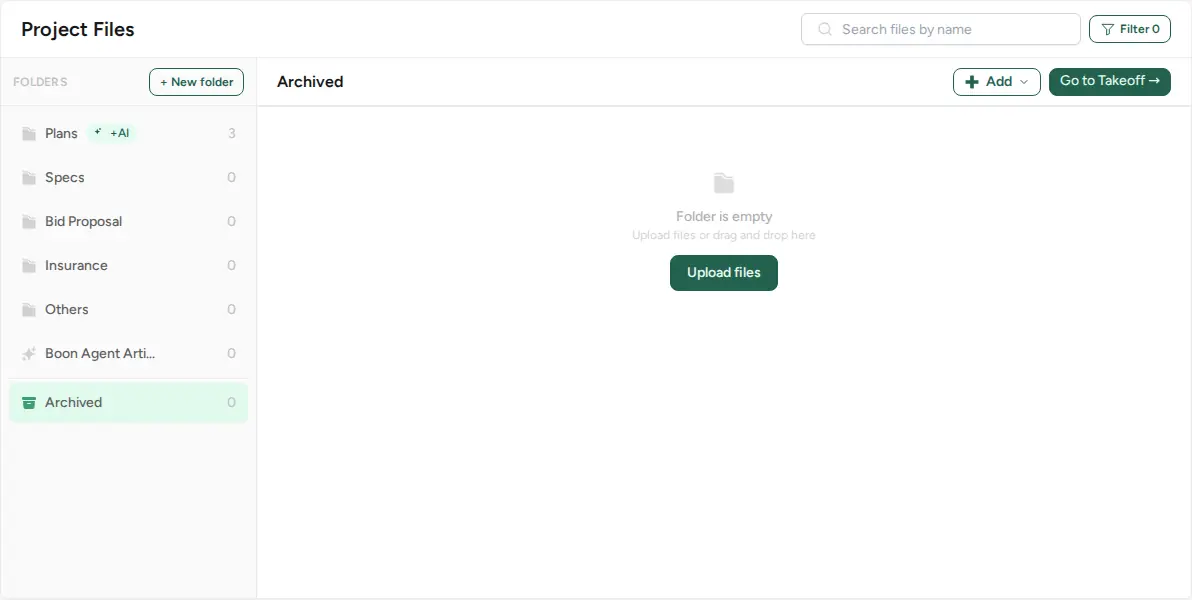
Archive other files (Files section)
For files outside the Plans folder (Specs, Bid Proposal, Others and so on):
- Open the project's Files section.
- Open the file's action menu and choose Send to Archive.
- The file moves to the Archived folder.
To undo it, open the same menu on the archived file and choose Restore file.
Clean up files nobody has opened
When files haven't been opened in over 6 months, the Files section shows a banner: "Archive them to keep takeoff and search clean — nothing is deleted."
- Dismiss hides the banner.
- Review opens Archive stale files ("Not opened in over 6 months. Uncheck anything you still need in takeoff."). Untick anything you still need and click the "Archive N files" button.
Deleting a folder that archived files belong to
A folder can't be deleted while archived files are set to restore into it. Boon shows "Can't delete " with "This folder cannot be deleted because these archived files are configured to restore here:" and lists those files. Only empty folders can be deleted.